
 Taxbee | Tax & Accounting Services
Please log in to your account first click here.
For Phone user:
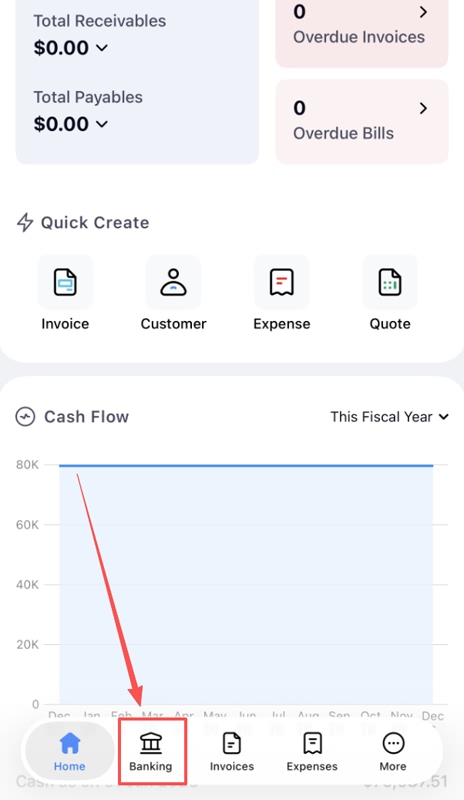
Step 1, Click Banking
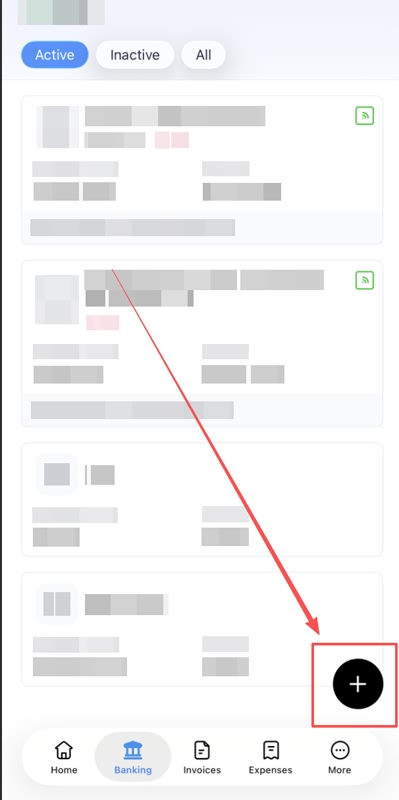
Step 2, Click “+”
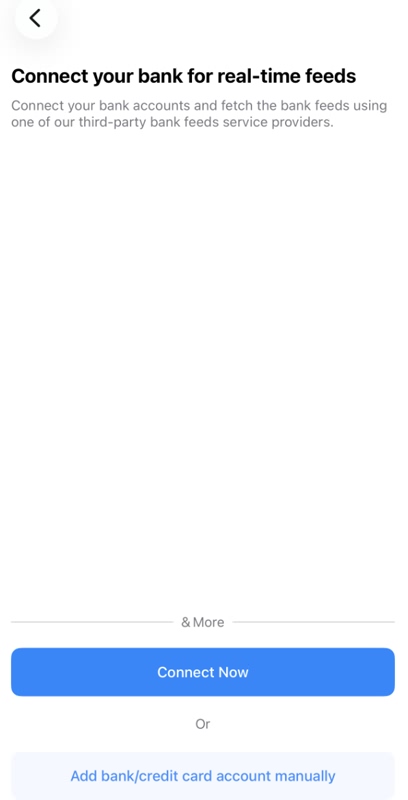
Step 3, click blue button “Connect Now”
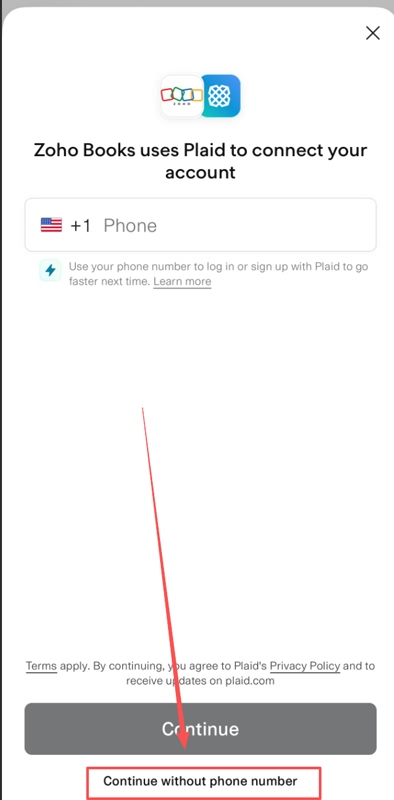
Step 4, Click “Continue without phone number”
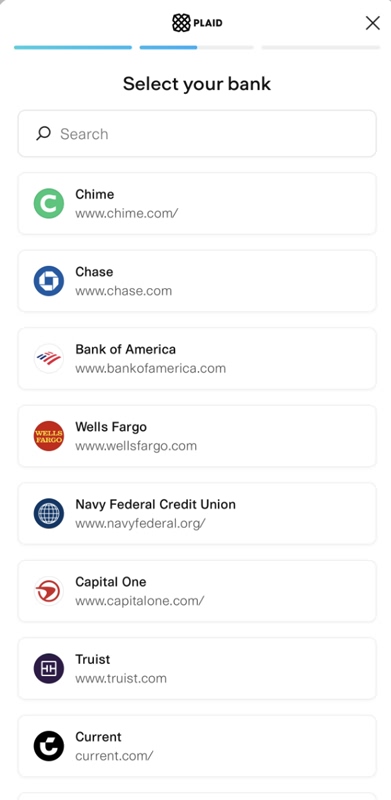
Step 5, select your bank
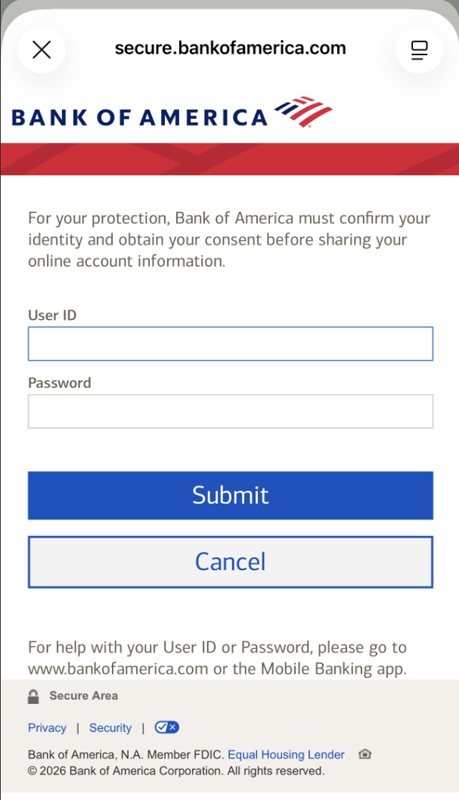
Step 6, enter the bank account info to login
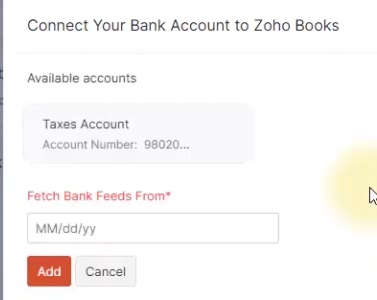
After verifying your bank information, the system will ask you to select the date from which you would like to retrieve your statement data. Please make sure to choose the earliest available date. Then click “Add”
For PC user:
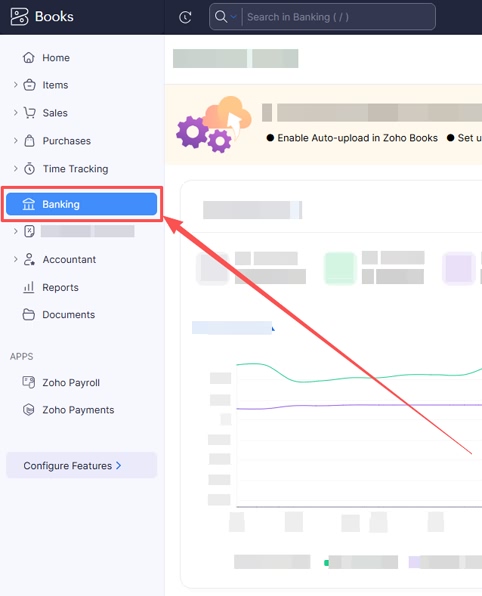
Step 1, click Banking
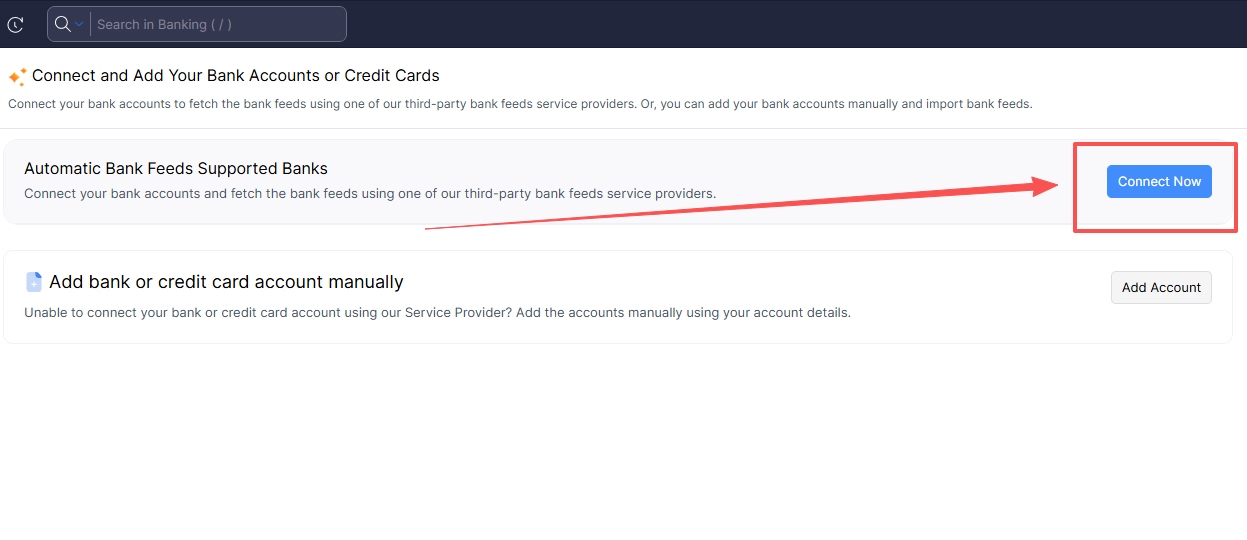
Step 2, click “Connect Now”
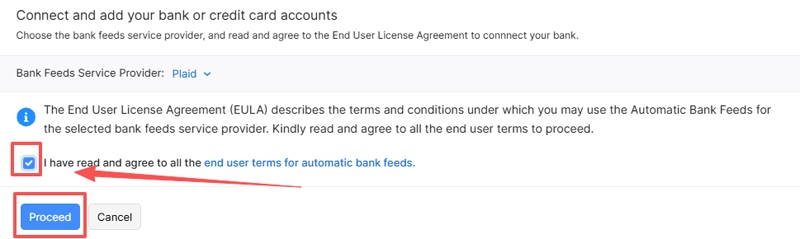
Step 3, Check the box then click “proceed”.
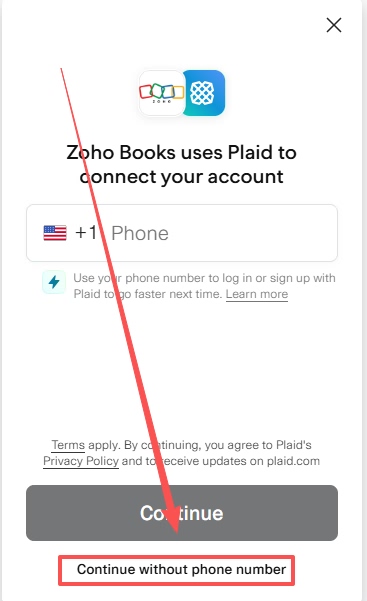
Step 4, Click “Continue without phone number”
Step 5, select your bank
Step 6, enter the bank account info to login
After verifying your bank information, the system will ask you to select the date from which you would like to retrieve your statement data. Please make sure to choose the earliest available date. Then click “Add”